How to See Sold Items on eBay, and How Many Sold Recently
· SoldPulse
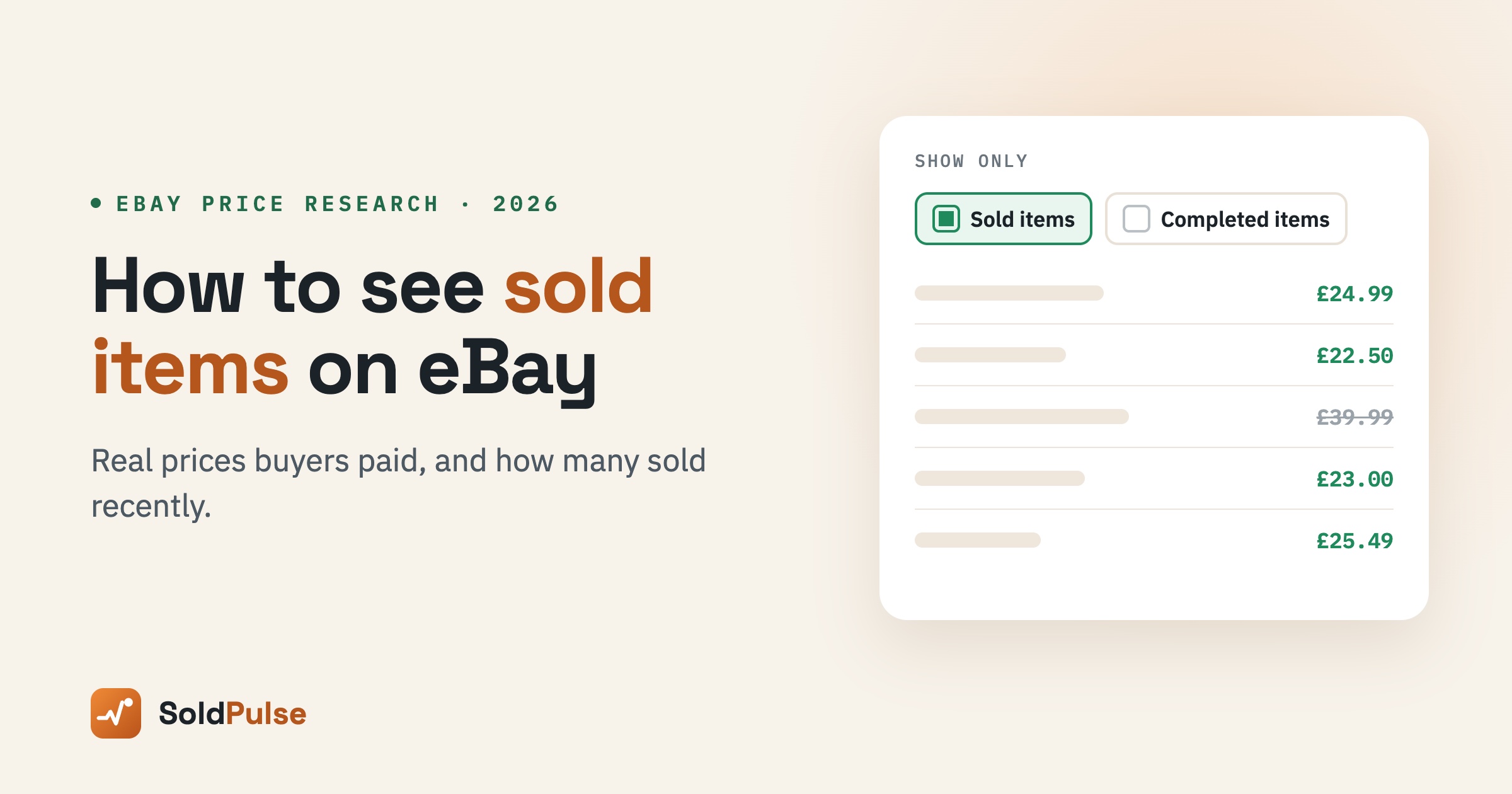
Checking sold items on eBay is the quickest way to learn what buyers really pay. Asking prices only tell you what sellers hope to get. This guide shows you how to see sold items on eBay on a computer and on the app, what the results can and can't tell you, and how to find out how many sold recently.
Quick answer: how to see sold items on eBay
Search for the item on eBay. Then turn on the Sold items filter. On a computer, it's under "Show only" in the filters on the left. On the app, tap Filter and switch on Sold items. eBay then shows listings that sold, with the price each one sold for. Public sold results cover roughly the last 90 days.
How to see sold items on eBay on a computer
- Go to eBay and type what you want to research into the search bar.
- In the filters on the left, find Show only.
- Tick Sold items. eBay may tick Completed items for you as well.
- Sort the results by Recently ended to see the newest sales first.
Prices shown in green sold. Prices shown in black or crossed out ended without a sale. If you only see a few results, try a shorter search with fewer words.
How to see sold items on the eBay app
- Open the eBay app and search for the item.
- Tap Filter at the top of the results.
- Scroll down and switch on Sold items.
- Tap Show results.
The app shows the same sold listings as the website. It's handy when you're checking prices at a car boot sale or in a charity shop.
Sold items vs completed items
These two filters sound alike, but they show different things.
| Filter | What it shows | Use it for |
|---|---|---|
| Sold items | Listings that ended with a sale | Real prices buyers paid |
| Completed items | Every ended listing, sold or not | Spotting prices that were too high |
Compare the two. If many listings ended unsold at a certain price, that price is probably too high for that item.
What sold results can't tell you
Sold results are useful, but they have limits.
- About 90 days only. Public sold results stop at roughly three months, so you can't see last year's season.
- One line per listing. A listing with many items in stock shows as a single result, even if it sold hundreds.
- No sales speed. You can't see how fast an item sells, week by week.
- Lifetime totals mislead. A live listing may say "2,000 sold", but that count can be years old.
How to see how many sold recently
To measure recent sales, compare a listing's sold count over time. Note the number today, check again in a week, and subtract. The difference is how many really sold in that time.
eBay sellers also get a free research tool in Seller Hub. eBay's Product Research gives access to the last three years of eBay sales data, including average prices and sell-through rate.
SoldPulse does the week-by-week counting for you. You can track any listing and see how many it sold since you started watching. Our guide on how our sold numbers work explains exactly what is measured.
How to use sold items to price your listings
- Match the condition. Compare new with new and used with used.
- Include postage. Buyers compare the total price, not the item price alone.
- Use the middle, not the top. One high sale isn't a market price. Look at the typical range.
- Check your profit. Our free eBay fee calculator shows your profit after every fee at that price.
Frequently asked questions
How far back can you see sold items on eBay?
Public sold results cover roughly the last 90 days. For older sales, sellers can use Product Research in Seller Hub, which covers up to three years.
Can you check sold prices without an account?
Yes. The Sold items filter works for anyone browsing eBay. You only need an account to use seller tools such as Product Research.
Why does an item show "sold" when it's still for sale?
A listing with more than one item in stock keeps selling. Its sold count goes up with each sale, so it can show sales and still be live.
Is the sold price the final price?
It's the price the item sold for on eBay. Postage is shown separately, and some sales use Best Offer, so the final price may differ.
How SoldPulse helps
SoldPulse turns sold data into a clear picture. It tracks how many units listings really sell over time, on eBay UK, US, Australia and Germany. It also shows what's trending right now in market insights. For a full method, read our guide on what sells on eBay, or start a 7-day free trial.
Final thoughts
Learning to check sold prices takes a minute, and it changes how you price and buy. Use the Sold items filter for real prices. Then track listings over time to see how many sold recently. Together, they show you what really sells.